Guides
Learn prompt writing one visual decision at a time.
These guides explain prompt structure in plain English and connect directly to the recipe builder workflow.
 AI Implementation Guide
 AI Coding Agent Token Workflow Guide
A practical guide for using coding agents without wasting tokens: define behavior first, test on real machines, and save engineering rules as reusable Skills.
 Prompt Guide
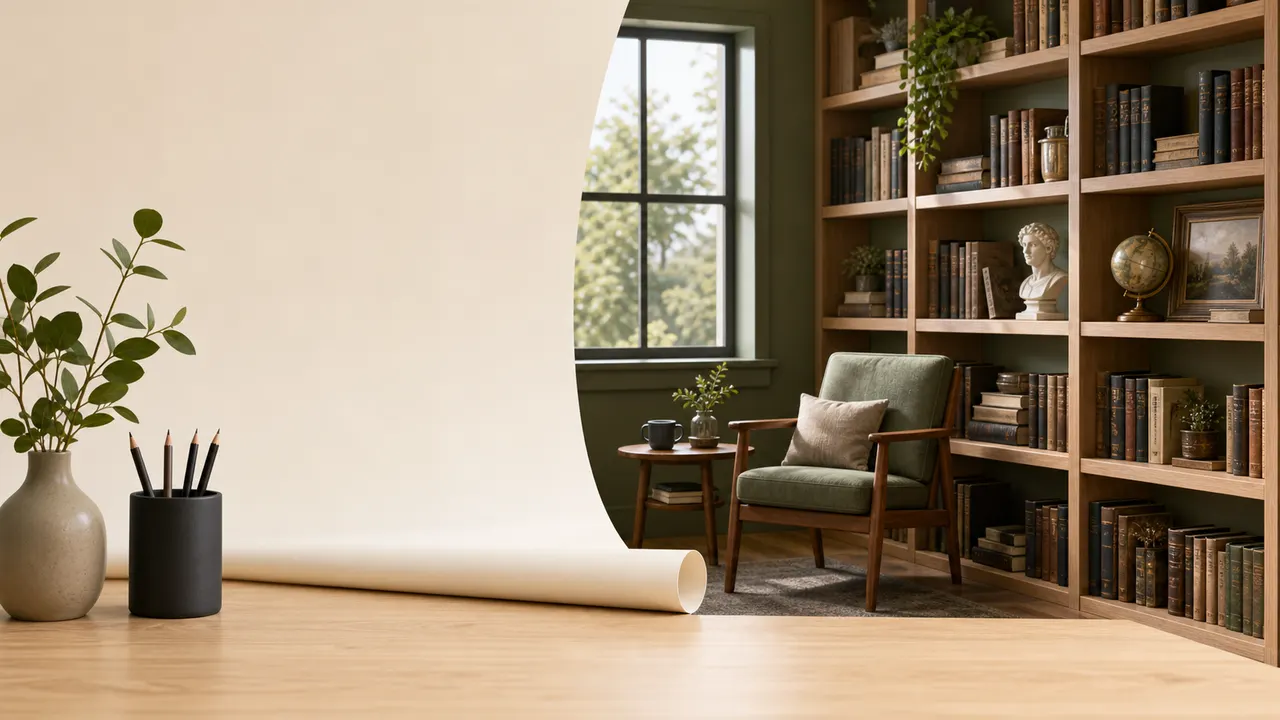
 How to Build Clear Backgrounds and Scenes
Learn how to write better scene and background descriptions for AI image prompts without making the prompt overloaded.
 Prompt Guide
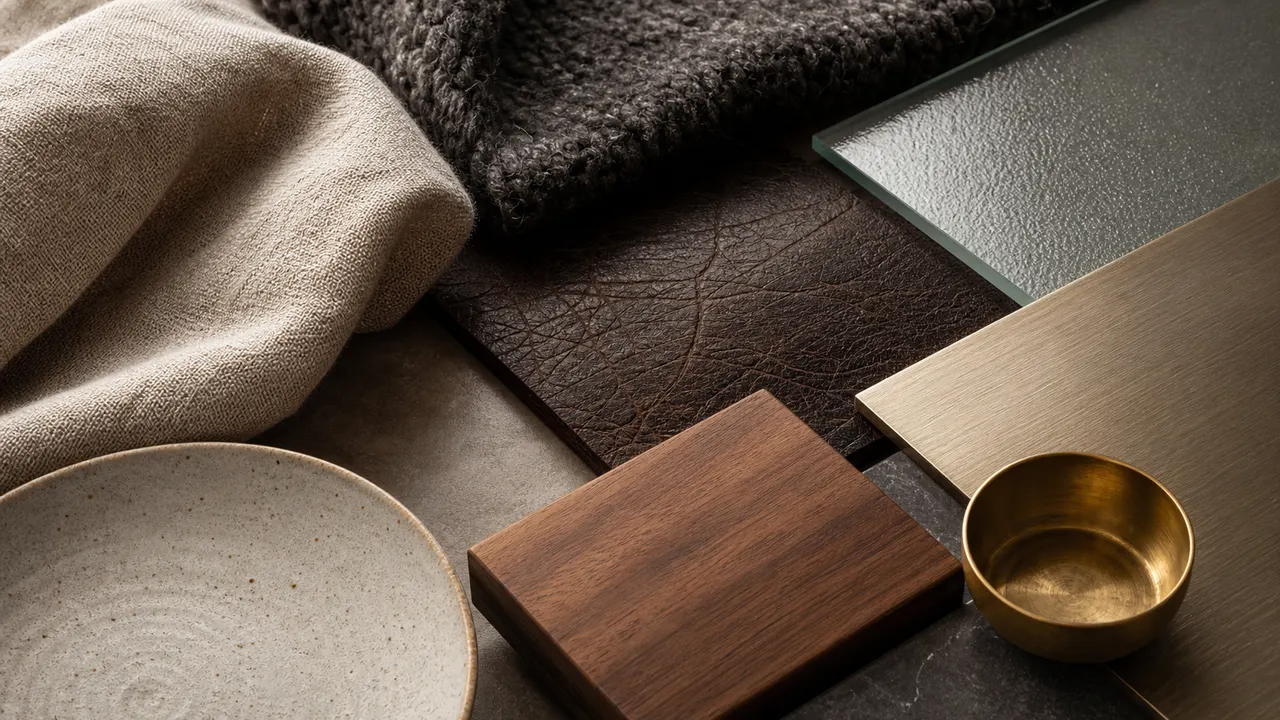
 How to Describe Texture and Materials
Learn how to describe texture and material in AI prompts for clothing, objects, interiors, and product images.
 Prompt Guide
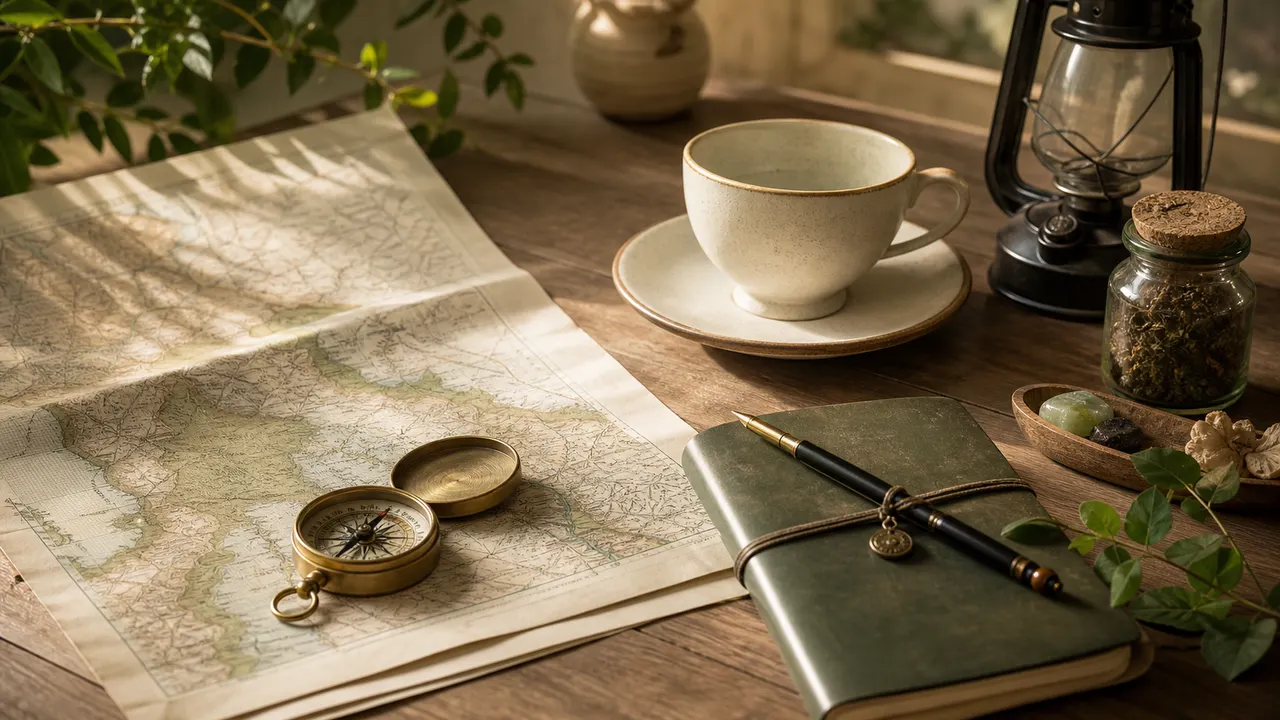
 How to Describe Props and Small Objects
Learn how to describe props in AI image prompts so they support the subject and scene clearly.
 Prompt Guide
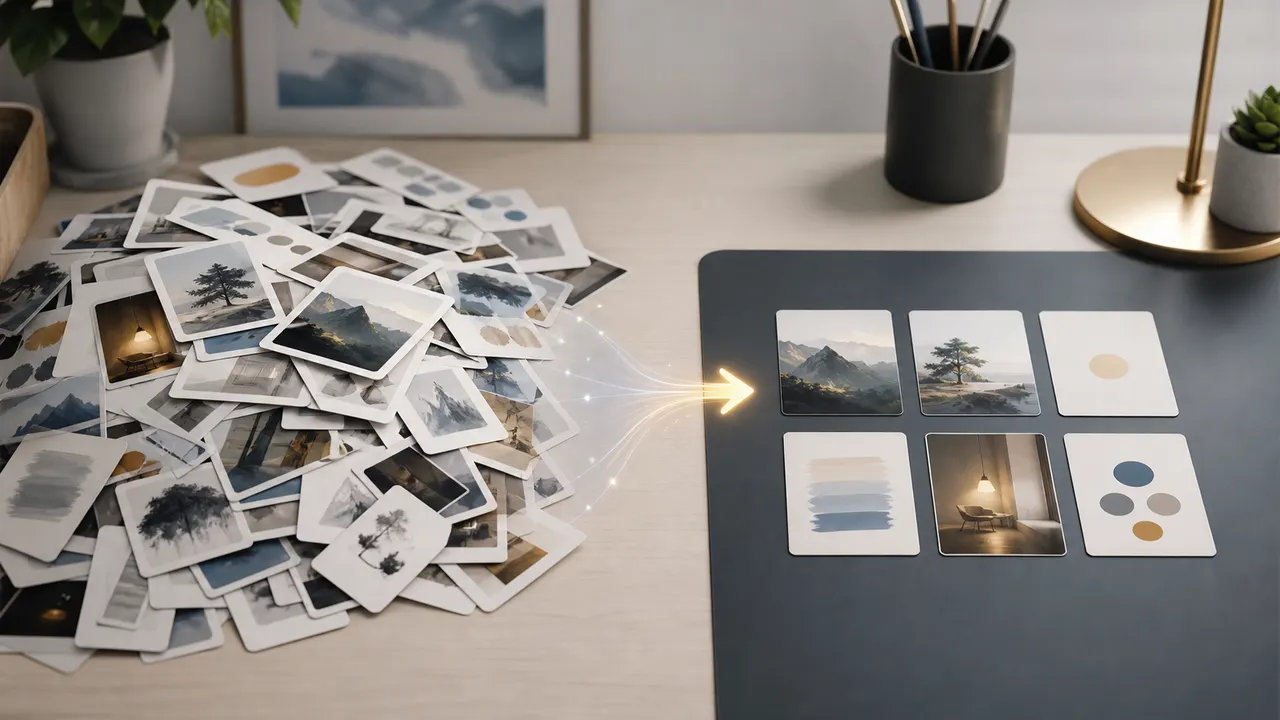
 How to Fix Overloaded AI Image Prompts
Learn how to simplify overloaded AI image prompts by removing weak fragments and keeping the strongest visual instructions.
 Prompt Guide
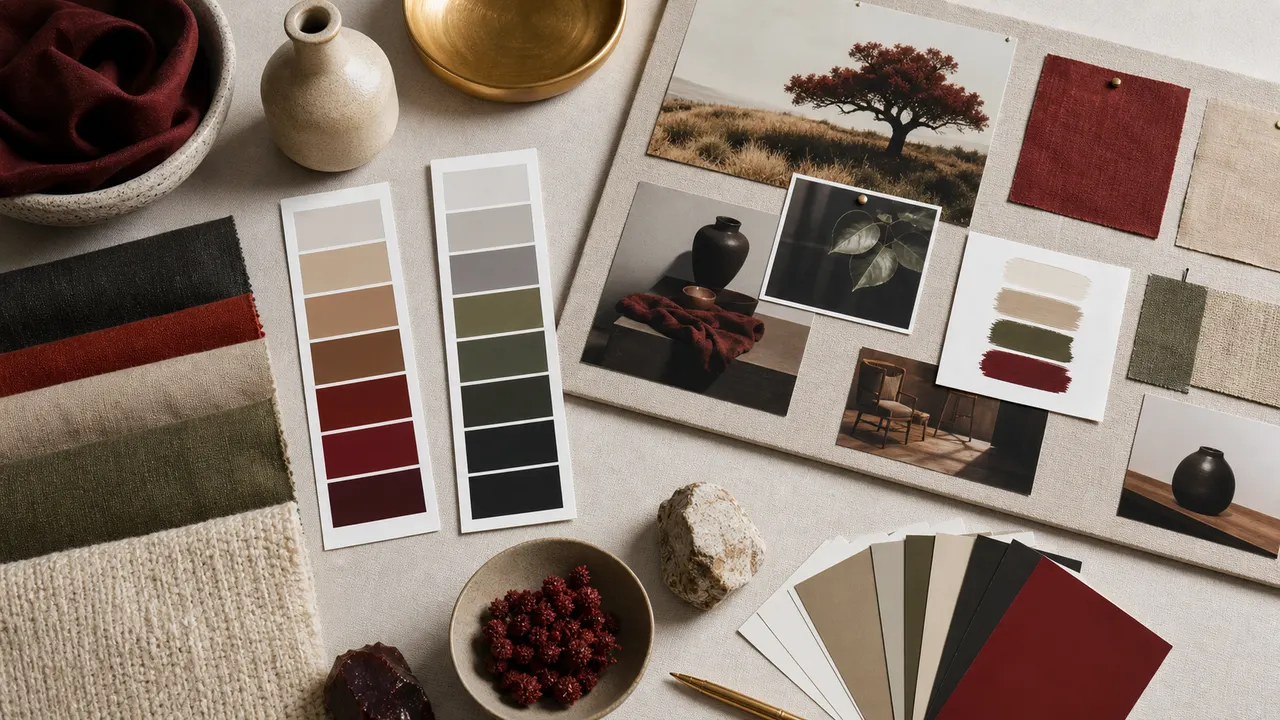
 How to Use Color Palettes in AI Image Prompts
Learn how to guide color palettes in AI image prompts using simple, practical color language.
 Prompt Guide
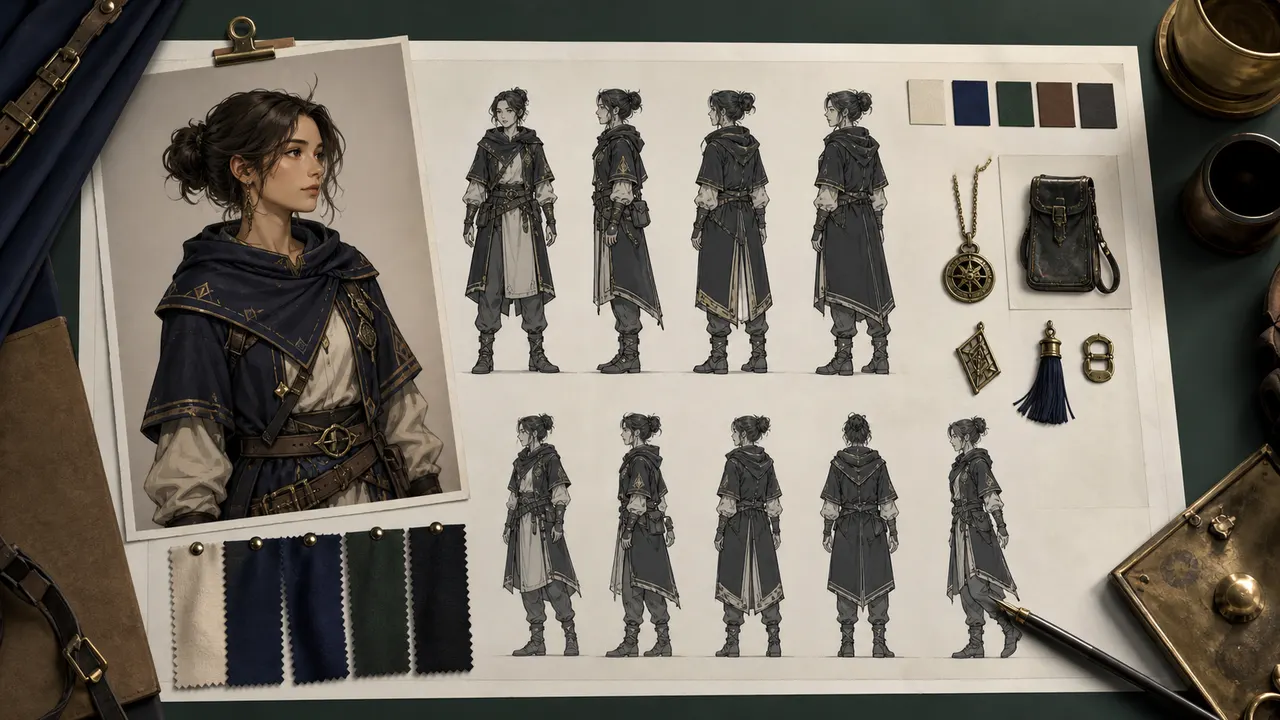
 How to Keep Character Prompts Consistent
Learn practical ways to keep AI character prompts consistent across multiple images without relying on copied character designs.
 Prompt Guide
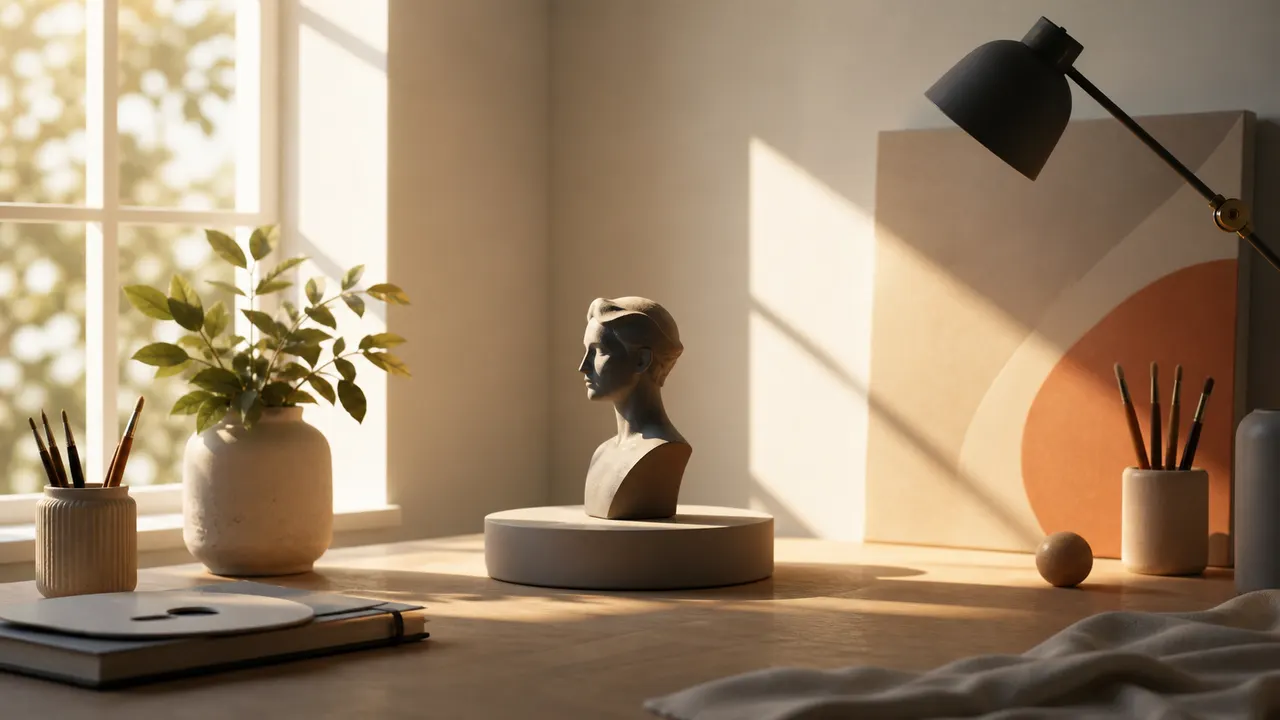
 How to Describe Lighting in AI Image Prompts
Learn how to describe lighting clearly in AI image prompts using direction, intensity, color, and mood.
 Prompt Guide
 How to Write Product Image Prompts
Learn how to write practical AI prompts for product-style images, including background, lighting, materials, and composition.
 Prompt Guide
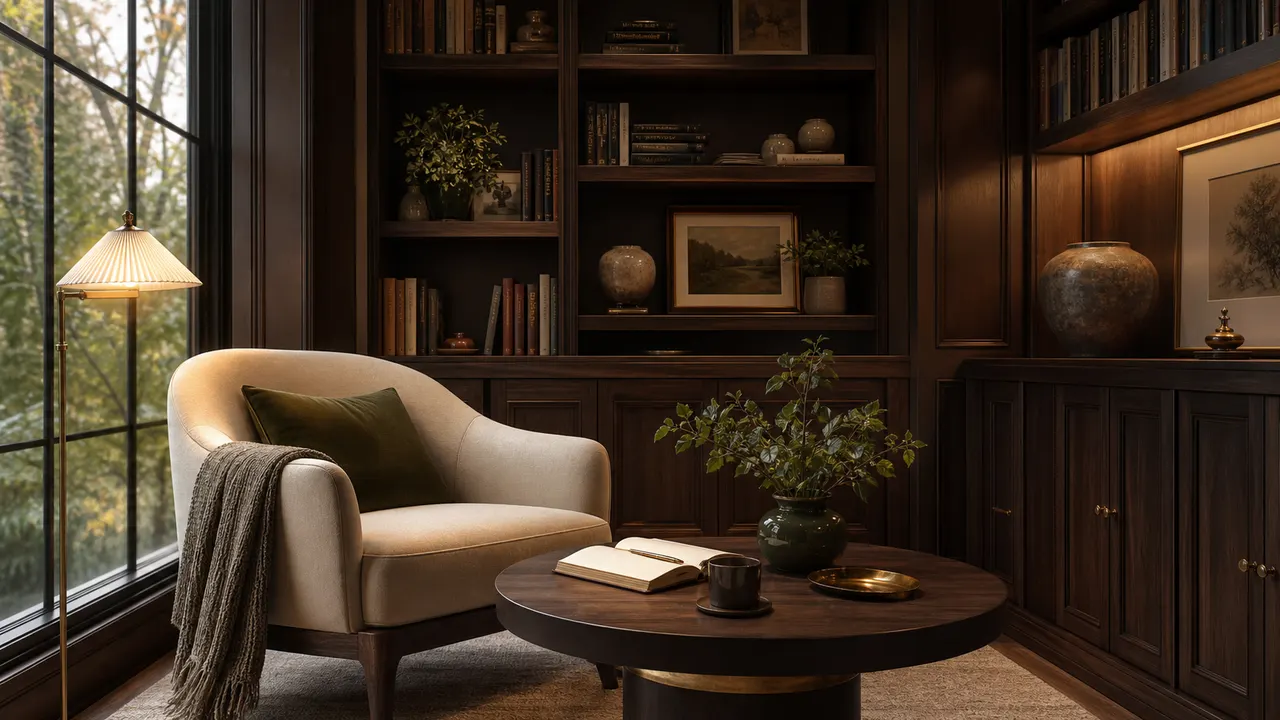
 How to Write Prompts for Interior Spaces
Learn how to write AI prompts for rooms and interiors using layout, furniture, materials, lighting, and atmosphere.
 Prompt Guide
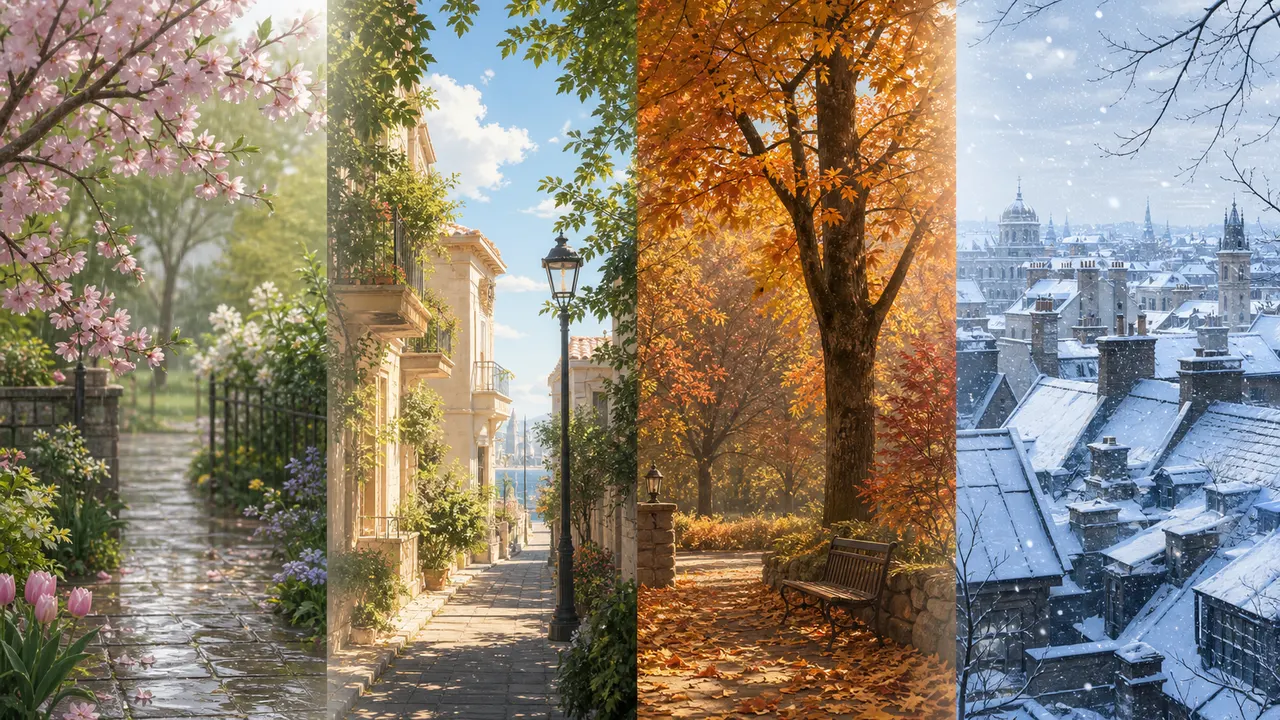
 How to Write Seasonal AI Image Prompts
Learn how to create seasonal AI image prompts using weather, clothing, lighting, color, and scene details.
 Prompt Guide
 How to Describe Clothing and Materials
Clothing prompts work best when they mention layers, material, fit, color, and practical accessories. A useful outfit phrase might say linen tunic, apron pockets, small satchel, and soft leather boots. Keep the outfit original and avoid brand names or copied character designs.
Prompt Guide How to Use Camera Angles in AI Images
Camera language shapes composition. Close-up, full body, wide shot, low angle, high angle, profile view, and three-quarter view all pull the image in different directions. Pick one main framing goal before adding lens or depth-of-field notes.
Prompt Guide How to Write Better AI Image Prompts
Start with a concrete subject, then add one clear action, one scene, one camera idea, and one lighting idea. Good prompts are not just longer prompts; they are prompts where each phrase has a job. Replace vague praise with visual detail, test one change at a time, and save fragments that reliably improve the result.
Prompt Guide Common Negative Prompts Explained
Negative prompts are cleanup instructions, not a magic repair layer. Terms such as blurry, low quality, extra fingers, unreadable text, watermark, and harsh artifacts can help reduce common issues. Repeating the same negative term several times usually makes the prompt harder to understand.
Prompt Guide How to Describe Poses Clearly
Use simple physical language: standing, sitting, kneeling, walking, turning, reaching, or looking over shoulder. Add balance and direction only when needed. Avoid mixing incompatible body positions in one prompt, because the model may average them into an unclear pose.
Prompt Guide Prompt Iteration Workflow
Make one meaningful change per test. Save the subject and scene first, then compare pose, camera, and lighting variations. When a prompt gets too long, remove weaker fragments before adding new ones. The Builder is designed to make that process visible.
Prompt Guide Prompt Structure: Subject, Action, Clothing, Scene, Camera, Lighting
A stable image prompt usually moves from subject to context. Put the main subject first, describe the pose or action, add clothing and materials, define the scene, then guide the camera and lighting. Style and quality tags should support the concept rather than replace it.