Prompt Guide
How to Write Product Image Prompts
Learn how to write practical AI prompts for product-style images, including background, lighting, materials, and composition.
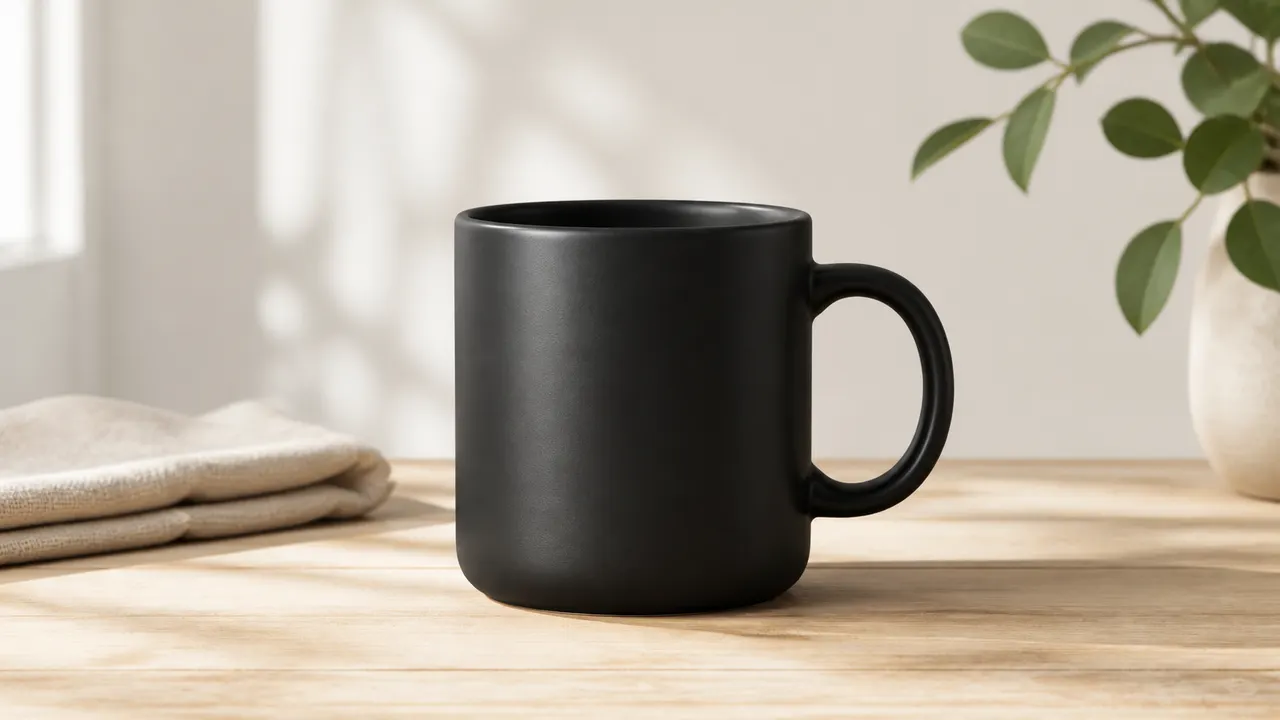
Product prompts should make the object easy to see. Keep the background controlled, the lighting clean, and the object description precise.
Product image prompts are different from character or story prompts. The product should be the visual center. Everything else should support it.
Start with the object. Be specific about type, shape, material, and color.
Example:
a matte black ceramic coffee mug with a simple rounded handle
Then add the surface or setting:
placed on a light wooden table
Next, describe lighting:
soft natural window light, gentle shadow
Finally, control the background:
minimal neutral background, no clutter
A full product prompt might be:
a matte black ceramic coffee mug with a simple rounded handle, placed on a light wooden table, soft natural window light, minimal neutral background, clean product photography
Avoid adding too many decorative elements. A product image can include props, but they should not steal attention. Good supporting props include folded linen, a small plant, paper tag, notebook, wooden tray, or simple packaging.
Material words are useful. Try ceramic, brushed metal, clear glass, polished wood, textured paper, soft cotton, matte plastic, or leather. These words help the model render surface quality.
Camera language also matters. Use front view, three-quarter view, top-down flat lay, close-up detail shot, or centered product shot. Pick one main view.
For ecommerce-style images, clarity is more important than drama. Avoid excessive cinematic lighting, busy backgrounds, or extreme angles unless the product needs a stylized campaign image.
A useful structure is:
[product] + [material/color] + [placement] + [lighting] + [background] + [camera view]
Product prompts should be controlled, simple, and readable. The viewer should understand the object immediately.