Prompt Guide
How to Write Seasonal AI Image Prompts
Learn how to create seasonal AI image prompts using weather, clothing, lighting, color, and scene details.
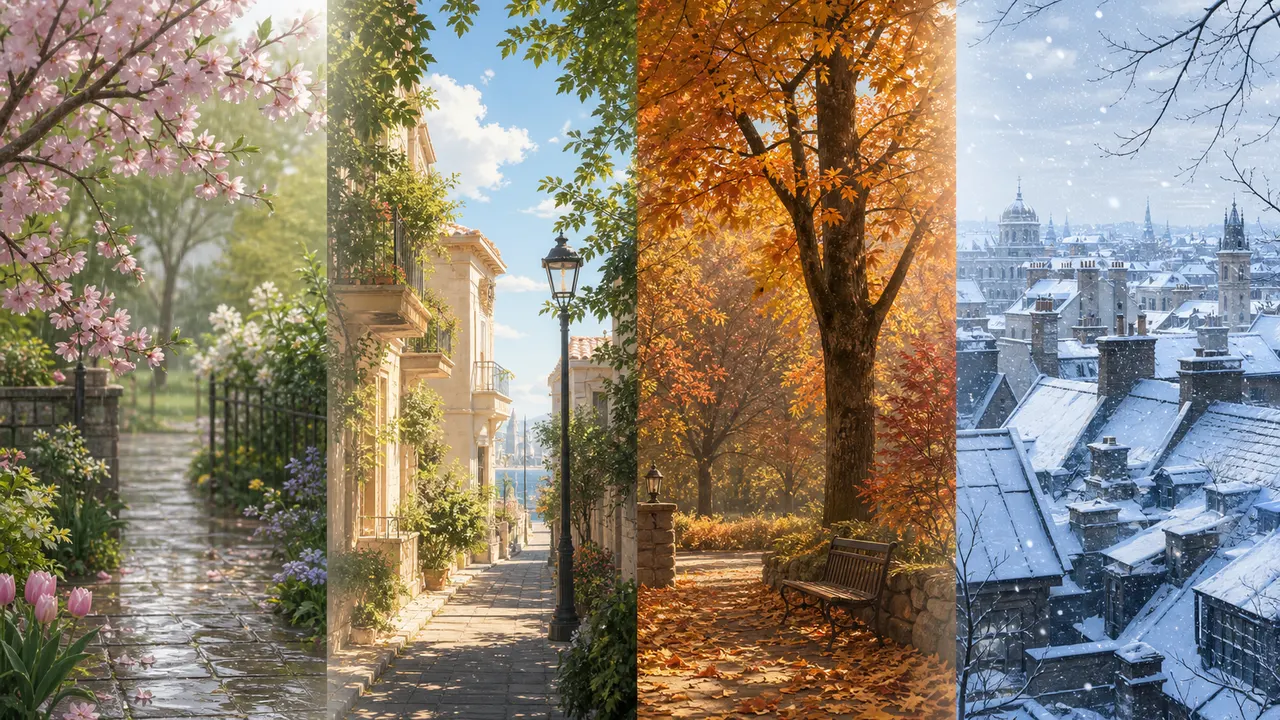
Seasonal prompts need more than the word spring or winter. Use weather, clothing, color, light, and environmental details to make the season visible.
Seasonal prompts work best when the season appears through visible details. Instead of only saying spring, summer, autumn, or winter, describe what the viewer can actually see.
For spring, use fresh leaves, light rain, soft flowers, pale green colors, thin jackets, and gentle daylight.
Example:
a quiet spring garden after light rain, fresh green leaves, pale flowers, soft cloudy light
For summer, use strong sunlight, short sleeves, open windows, bright sky, dry roads, beach objects, or deep green trees.
Example:
a summer street in strong afternoon sunlight, open shop doors, bright shadows, light cotton clothing
For autumn, use dry leaves, warm browns, muted orange, wool scarves, harvest objects, low sunlight, and cooler air.
Example:
an autumn park path covered with fallen leaves, warm brown and orange palette, soft low-angle sunlight
For winter, use snow, bare branches, heavy coats, breath mist, cool blue light, frost, or warm indoor contrast.
Example:
a quiet winter morning, snow on rooftops, bare trees, cool blue light, a person in a heavy wool coat
Seasonal prompts should combine scene, clothing, color, and lighting. Weather alone is not enough. A snowy scene with summer clothing may confuse the image unless that contrast is intentional.
A useful structure is:
[seasonal setting] + [weather or environment] + [clothing or props] + [color palette] + [lighting]
Season is a visual system. Use a few coordinated details, not just a label.