Prompt Guide
How to Fix Overloaded AI Image Prompts
Learn how to simplify overloaded AI image prompts by removing weak fragments and keeping the strongest visual instructions.
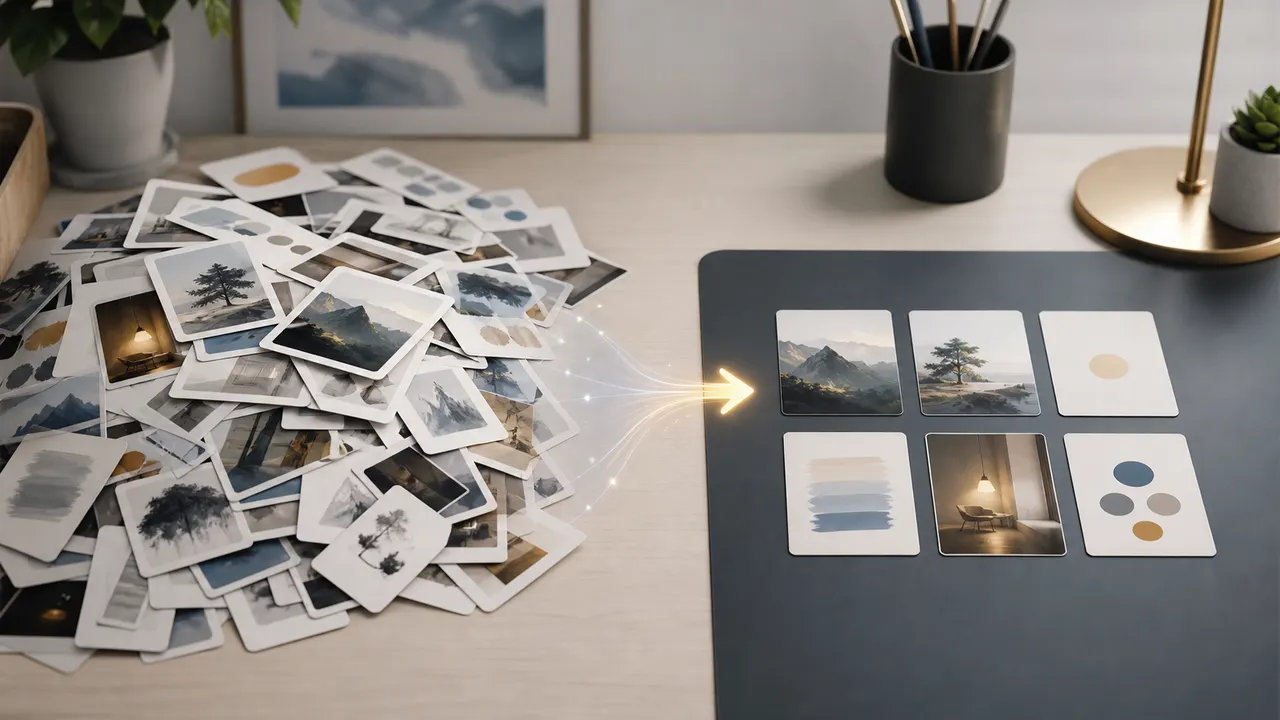
Longer prompts are not always better. A strong prompt gives each phrase a clear job and removes details that fight each other.
An overloaded prompt contains too many instructions. The model may still generate an image, but the result often feels messy, inconsistent, or different from what you wanted.
The first step is to find the core image. Ask one question:
What must be visible?
A useful core might be:
a young traveler standing on a mountain path at sunrise
Everything else should support that idea. If the prompt also asks for a city street, underwater lighting, snowstorm, neon cyberpunk mood, medieval armor, and beach background, the model has too many directions.
Remove weak praise words first. Phrases like beautiful, amazing, perfect, ultra stunning, and masterpiece often add less control than concrete detail.
Then remove conflicting details. Do not combine indoor studio lighting with natural forest moonlight unless you have a clear reason. Do not ask for full body, close-up portrait, and top-down view in the same prompt.
A practical cleanup method:
- Keep the subject.
- Keep one action or pose.
- Keep one scene.
- Keep one camera idea.
- Keep one lighting idea.
- Remove duplicate style and quality words.
Before:
beautiful amazing fantasy traveler, forest, city, mountain, beach, close-up full body portrait, cinematic, studio light, moonlight, golden hour, ultra detailed, masterpiece
After:
a fantasy traveler standing on a quiet mountain path at sunrise, full-body view, soft golden backlight, distant forest below
The second prompt is shorter, but it is easier to visualize.
Good prompts are not simply long prompts. Good prompts are prompts where each phrase does useful visual work.