Prompt Guide
How to Build Clear Backgrounds and Scenes
Learn how to write better scene and background descriptions for AI image prompts without making the prompt overloaded.
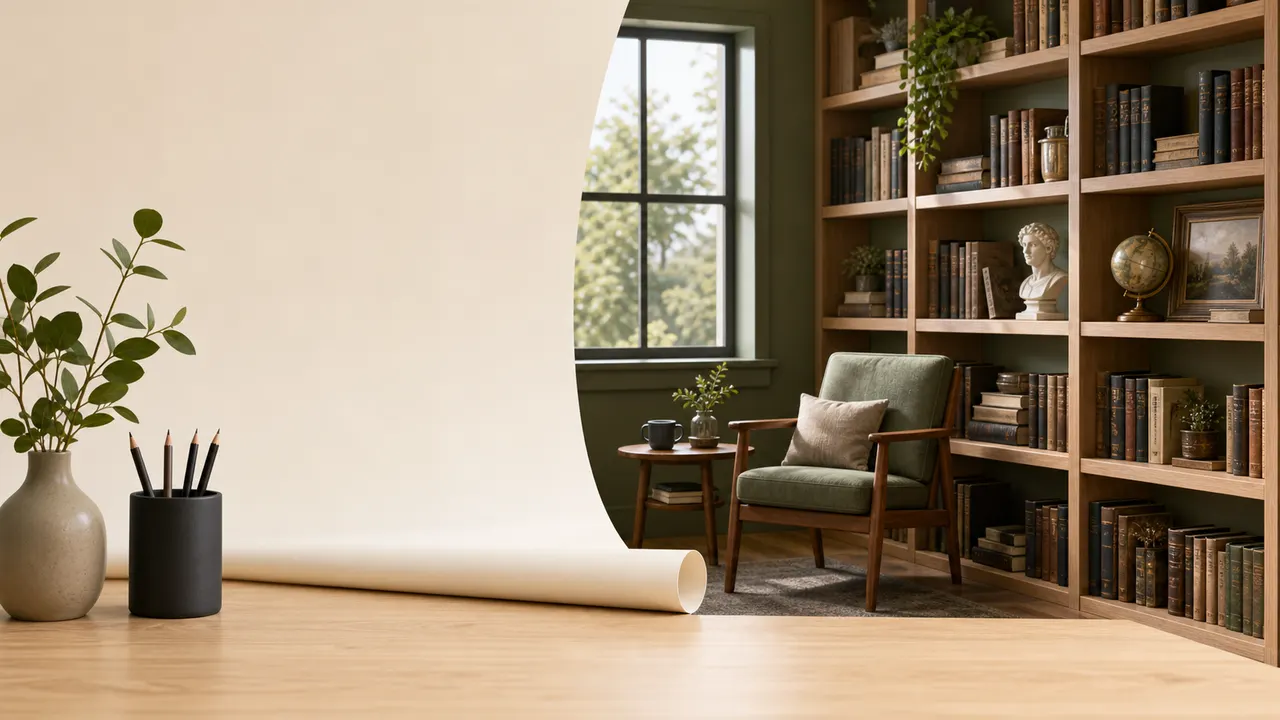
A background should support the subject, not fight with it. Describe the place, the scale, and one or two meaningful details.
A strong AI image prompt needs a clear setting. The scene tells the model where the subject exists and what kind of world surrounds them.
Start with the basic location. Use simple phrases such as quiet library, mountain path, small workshop, rainy street, traditional kitchen, open desert, or futuristic control room. The location should be concrete enough to guide the image.
Then add scale. A close indoor space feels different from a wide outdoor landscape. Words like narrow, spacious, crowded, empty, open, enclosed, distant, and intimate help define the feeling of the scene.
After that, choose one or two details. Do not describe every object in the background. A good scene detail might be wooden shelves, hanging lanterns, scattered tools, wet pavement, wildflowers, or distant city lights.
A practical scene fragment might be:
inside a small wooden workshop, tools hanging on the wall, warm dust in the air
The background should not compete with the main subject. If the subject is a person, the scene should frame them. If the subject is a product, the scene should make the product easier to understand. If the subject is a fantasy creature or historical character, the scene should support the time period and mood.
Avoid vague background phrases like nice scenery, detailed background, or beautiful place. These words do not tell the model what to draw.
A better structure is:
[location] + [scale] + [one or two details] + [atmosphere]
Example:
a quiet riverside market at dawn, narrow wooden stalls, soft mist over the water
Scene writing works best when it is selective. Add enough detail to create context, but leave space for the main subject to stay readable.